Code anywhere, anytime, without installation.
Summary
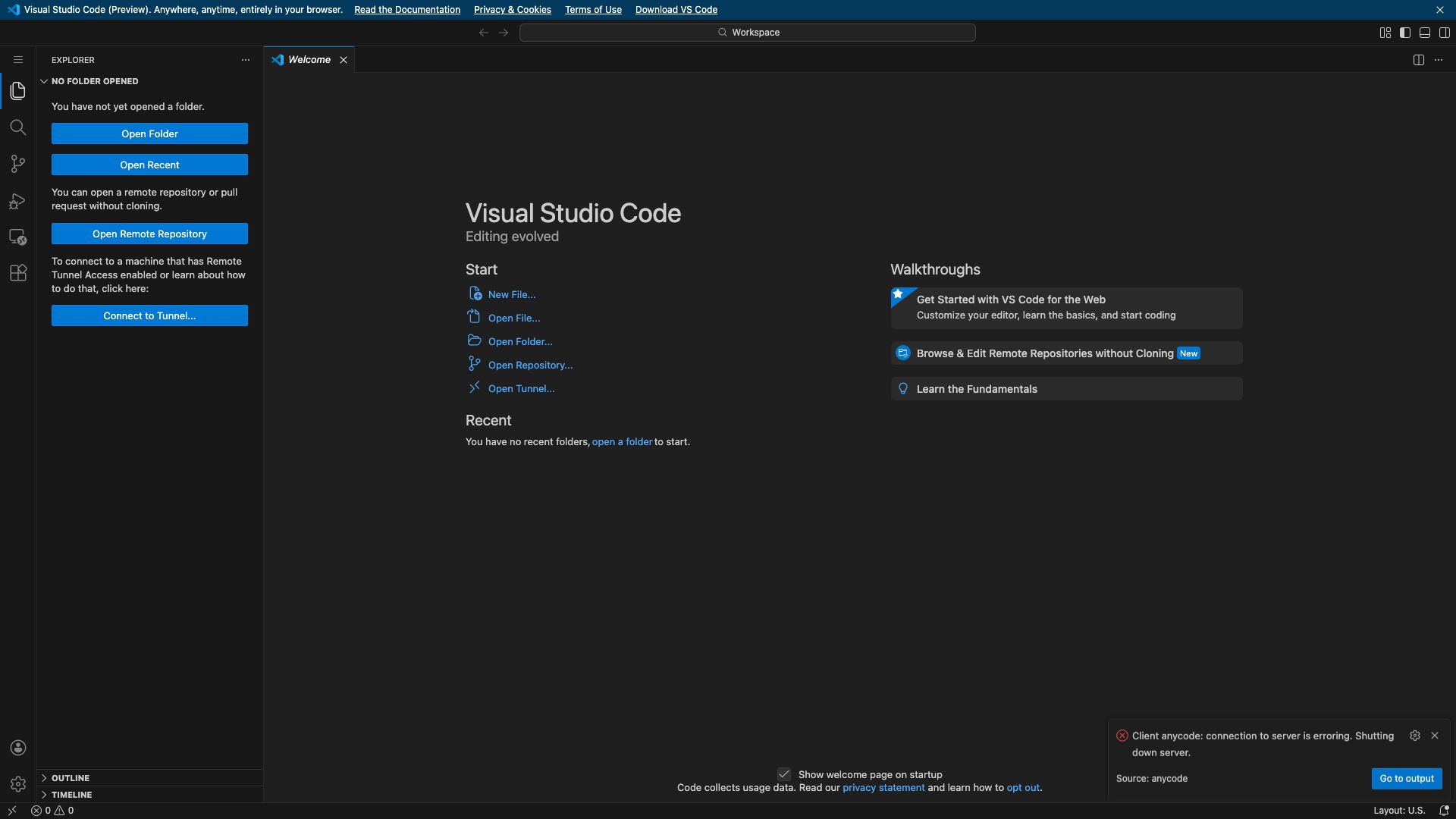
Visual Studio Code for the Web (vscode.dev) is a powerful and lightweight browser-based code editor that brings the core functionalities of the popular Visual Studio Code desktop application directly to your web browser. It allows you to open, edit, and debug code hosted in repositories like GitHub and Azure Repos, as well as local files directly from your machine, all without needing to install any software.
This service is designed for developers who need quick access to their code, want to contribute to projects from different machines, or prefer a zero-installation development environment. It leverages the familiar VS Code interface and a rich set of features, making it an ideal tool for on-the-go coding, collaborative development, and rapid prototyping. With support for a wide range of programming languages and extensions, vscode.dev provides a seamless and productive coding experience directly within your browser.
Key Features
- Browser-based code editing
- Direct access to GitHub and Azure Repos
- Local file editing from your machine
- Rich editing experience with IntelliSense, debugging, and Git integration
- Extensible with a growing library of VS Code extensions
- Lightweight and fast, no installation required