Intercept, modify, and mock network requests to supercharge your web development and testing.
Summary
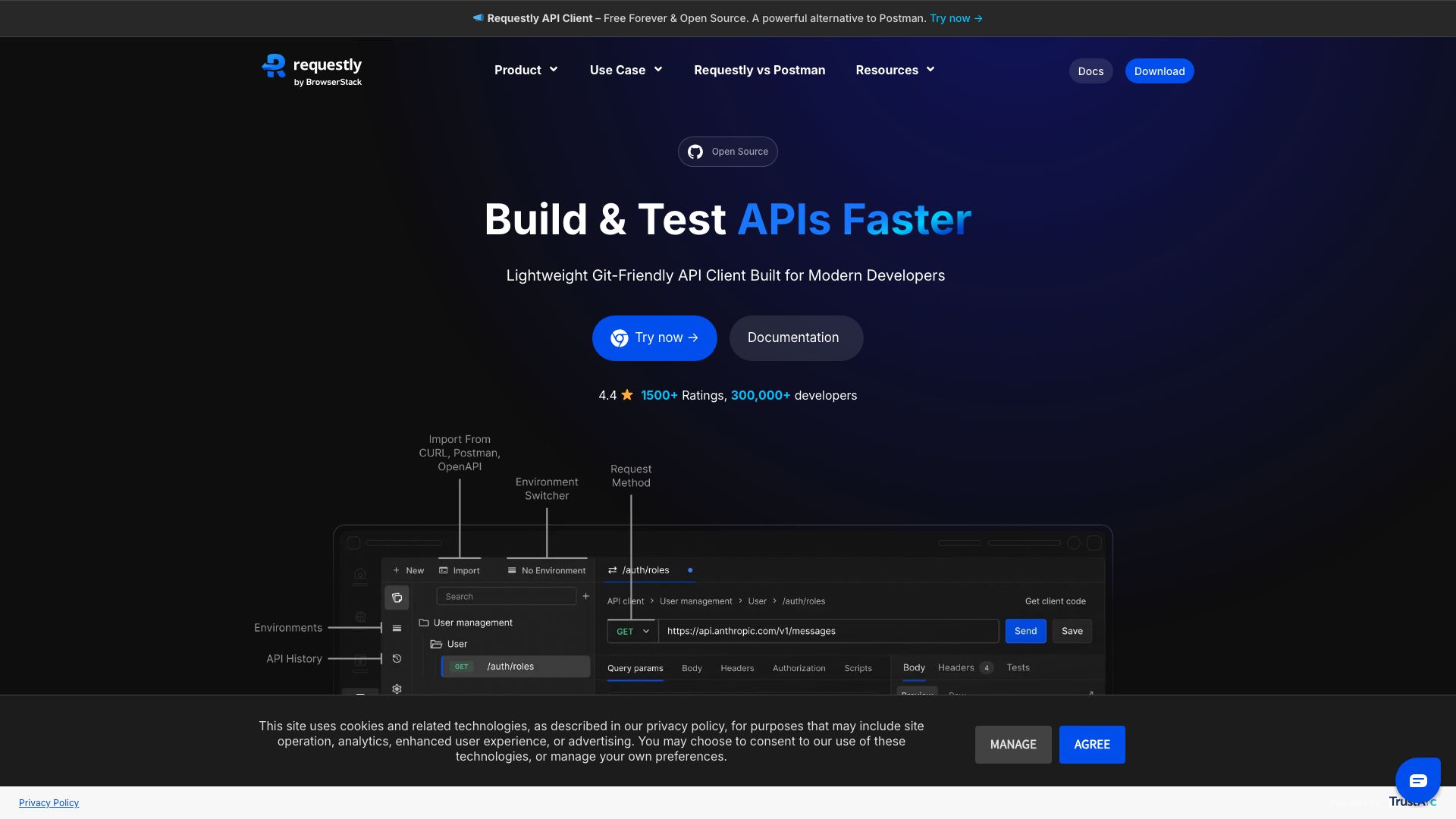
Requestly is a versatile browser extension designed for developers, testers, and anyone who needs fine-grained control over their web traffic. Its primary purpose is to allow users to intercept, inspect, modify, and mock HTTP requests and responses directly within their browser. This empowers users to simulate various network conditions, test API endpoints with custom data, and debug web applications more effectively.
By acting as a powerful proxy within the browser, Requestly enables a wide range of use cases. Developers can use it to redirect requests to different servers for staging or local testing, inject custom headers or modify response bodies, and even block specific resources. Testers can leverage it to simulate slow network speeds, test error responses, or ensure that applications behave correctly under different API behaviors. It simplifies the process of debugging front-end applications and understanding how they interact with backend services.
The tool offers a user-friendly interface for creating and managing these interception rules. Whether you're performing A/B testing, ensuring cross-browser compatibility by simulating different user agents, or debugging complex application flows, Requestly provides the flexibility and control needed to streamline your workflow and accelerate development cycles.
Key Features
- Intercept and view HTTP requests and responses.
- Modify request headers, bodies, and response headers/bodies.
- Mock API responses with custom data.
- Redirect requests to different URLs or servers.
- Block specific requests or URLs.
- Simulate network conditions (e.g., latency).
- Save and share request rules.
- Support for Chrome, Firefox, and Edge browsers.