Capture, annotate, and share your screen with precision and ease.
Summary
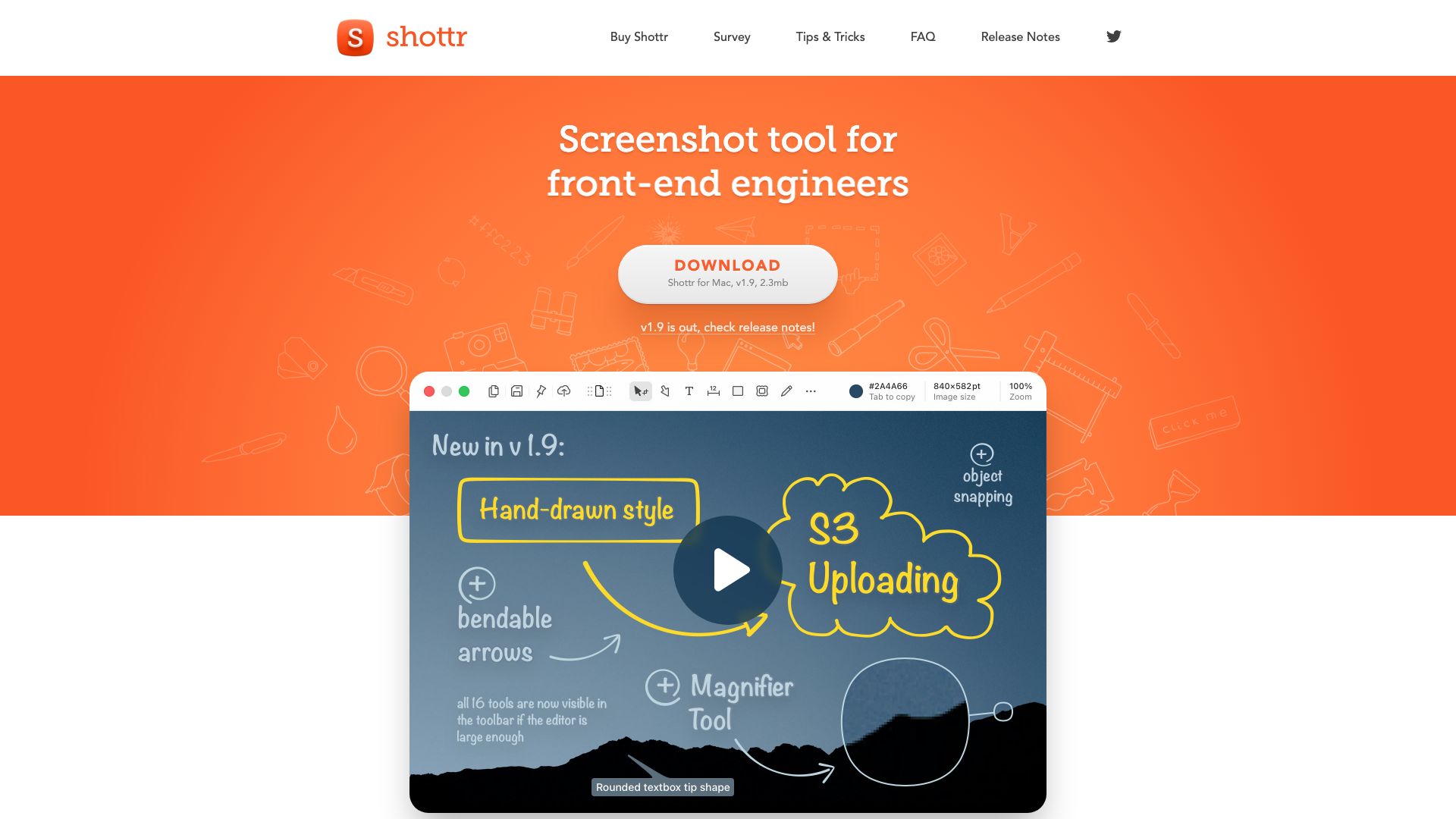
Shottr is a lightweight and powerful screenshot utility designed for efficiency and advanced functionality. Unlike basic built-in tools, Shottr offers a comprehensive suite of features to enhance your screen capture experience, making it ideal for documentation, feedback, and sharing information.
Its core purpose is to simplify the process of taking screenshots while providing robust editing and annotation capabilities. Whether you need to capture a full screen, a specific window, or a customizable area, Shottr offers flexible options. The tool prioritizes speed and responsiveness, ensuring you can capture what you need without delay.
Beyond simple capture, Shottr empowers users with intuitive annotation tools. You can easily add text, arrows, highlights, and shapes to your screenshots to convey specific points or provide context. This makes it an invaluable asset for technical support, bug reporting, educational purposes, and collaborative projects.
Key Features
- Full screen, window, and custom area capture
- Scrolling window capture for long pages
- Built-in annotation tools (text, arrows, shapes, highlights)
- Pixel-perfect precision for accurate selection
- Support for high-DPI displays
- Customizable hotkeys for quick access
- Image editing capabilities (cropping, resizing)
- Direct sharing to cloud services and social media
- Lightweight and resource-friendly